shipped.
See your commits the way they deserve to be seen.
Track your repos, explore your habits, and watch your rank climb — all from your own GitHub history.
your rank, explained
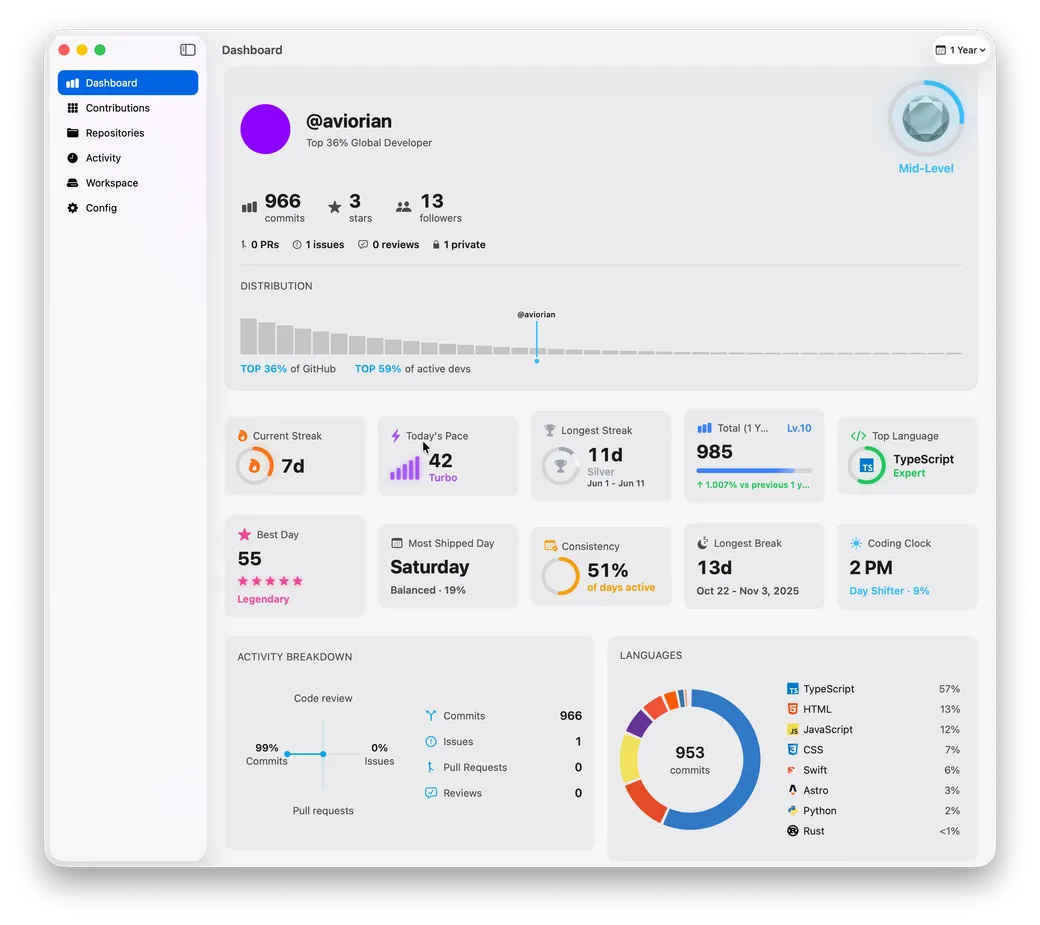
A developer rank, calculated from your actual GitHub activity.
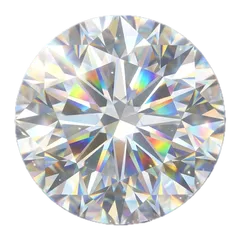
Commits, pull requests, reviews, and stars are weighed together and placed against real GitHub data, so the tier and percentile you see are measured, not assigned.

Eight ranks. One ladder.
The same commits, PRs, reviews, and stars that placed your rank — measured against everyone else's, all the way up to 10x Engineer.






the utility no one else built
See what's unshipped before you ship it.
If you work across more than a couple of repos, you've lost track of one. Workspace scans your whole Mac and tells you which ones are dirty, ahead of a remote, or clean — and gives you the exact command to fix it, copied to your clipboard.
Real per-repo actions — pull, push, fetch, log — copied to your clipboard, never guessed.
your habits, not just your history
Every angle on how you actually work.
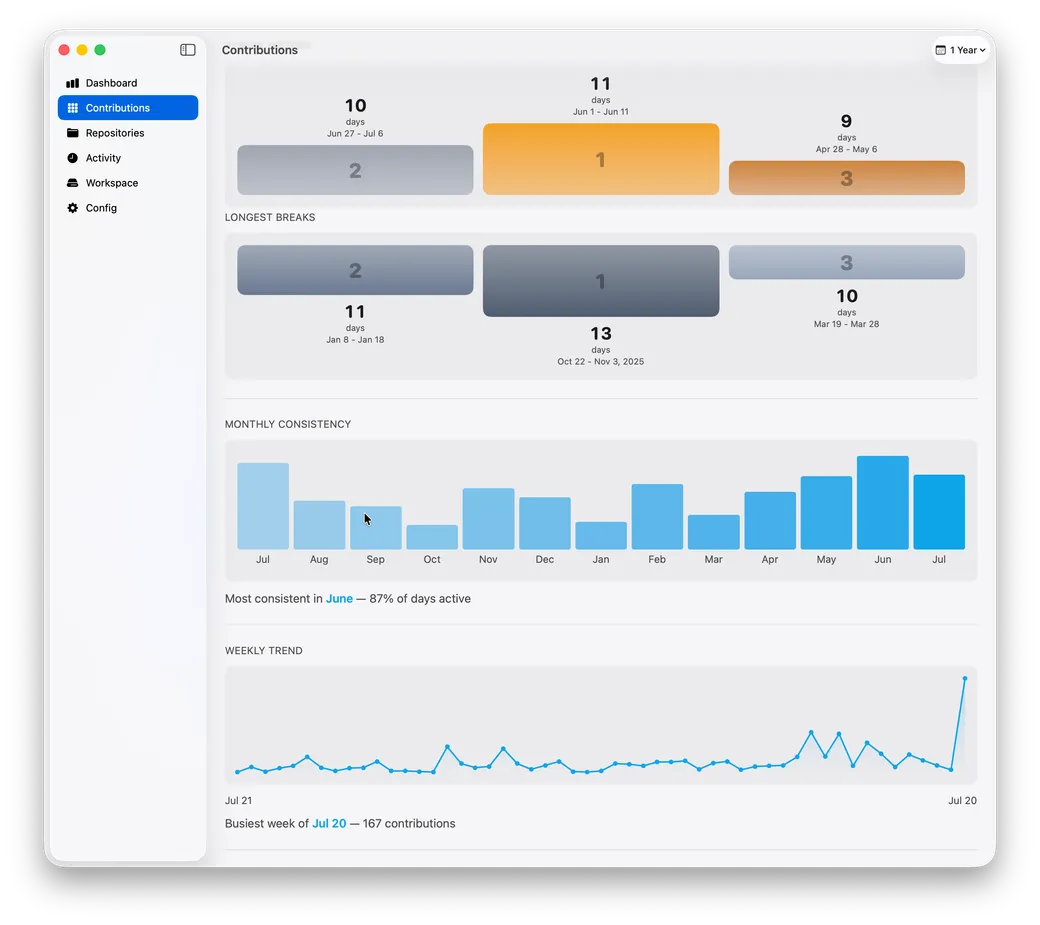
Contribution graph, streaks, dry spells, weekly trends, coding hours, weekday vs. weekend — all calculated from your real GitHub activity, not a single stat card pretending to summarize it.
Contribution Graph
Consistency
Monthly Activity
Most active in May — 194 contributions
Monthly Consistency
Most consistent in June — 87% of days active
Weekly Trend
Busiest week of Jul 20 — 128 contributions
Busiest Day
You ship most on Thursdays
Weekday vs Weekend
Mostly a weekday coder, with occasional weekend sessions.
Coding Hours
You ship most around 8 PM — 10% of commits land there
Circadian Heatclock
Punch Card
You ship most on Sundays around 2 PM — 12 commits land there
Day Intensity
Streak History
Jul 2 – Jul 10
Oct 12 – Oct 25
Apr 18 – Apr 23
Longest Breaks
Feb 14 – Feb 16
May 2 – May 6
Nov 8 – Nov 9
your desktop, your data
Combine them into your own kind of art.
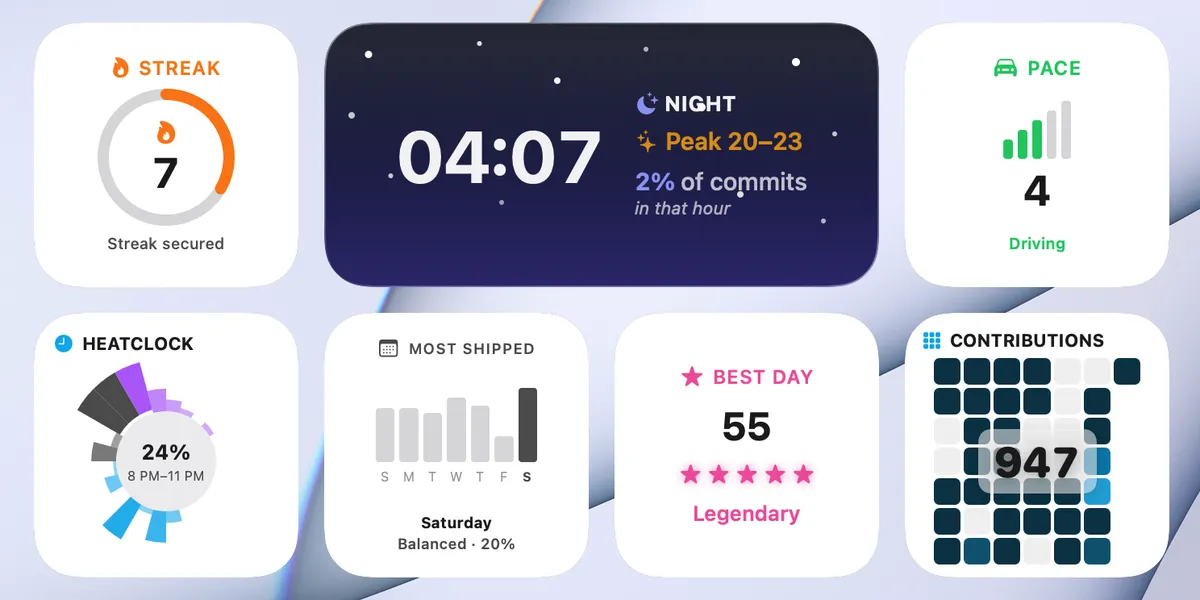
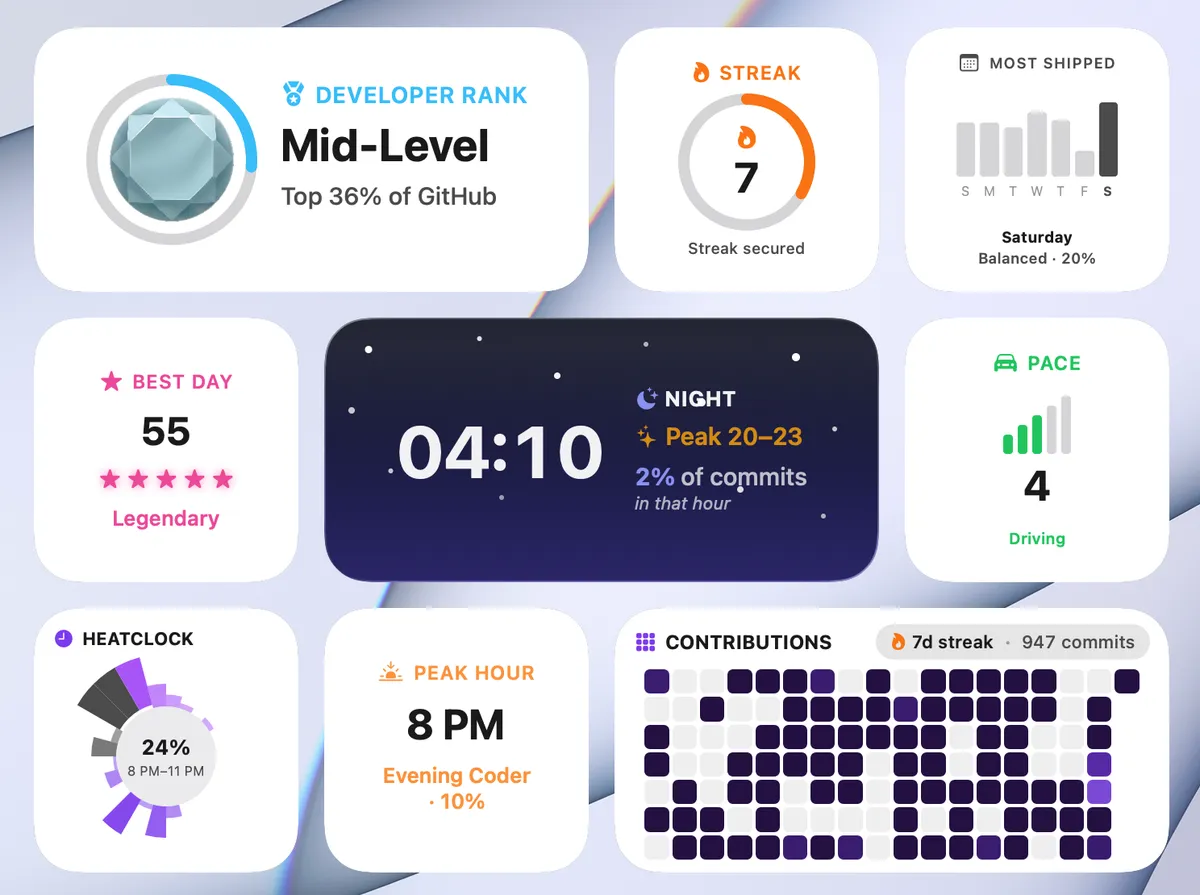
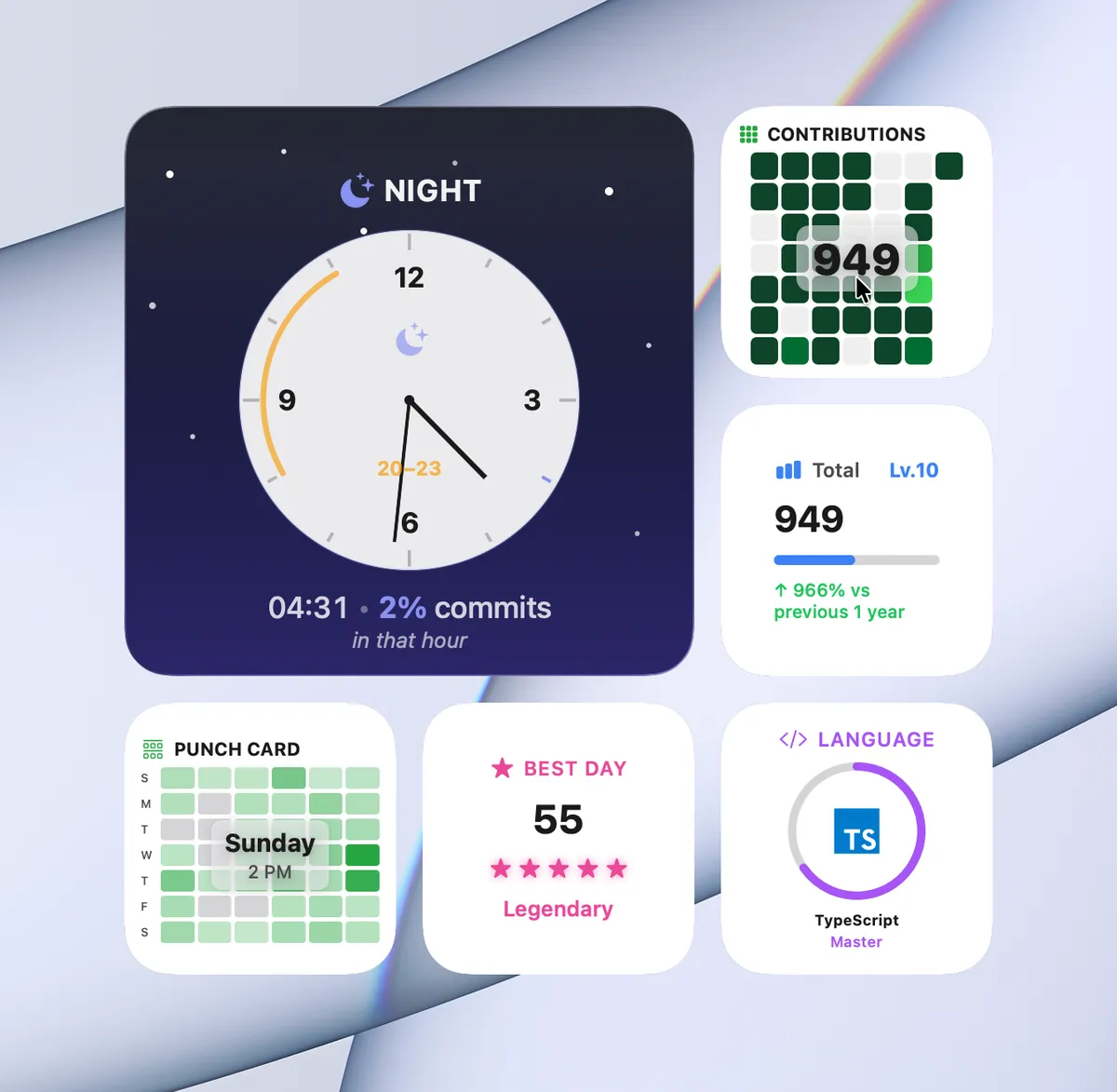
Metrics and Insights widgets, mixed and arranged however you want, alongside a clock that's actually running — every ring, chart, and stat pulled from your real data, laid out to make your desktop feel like yours.
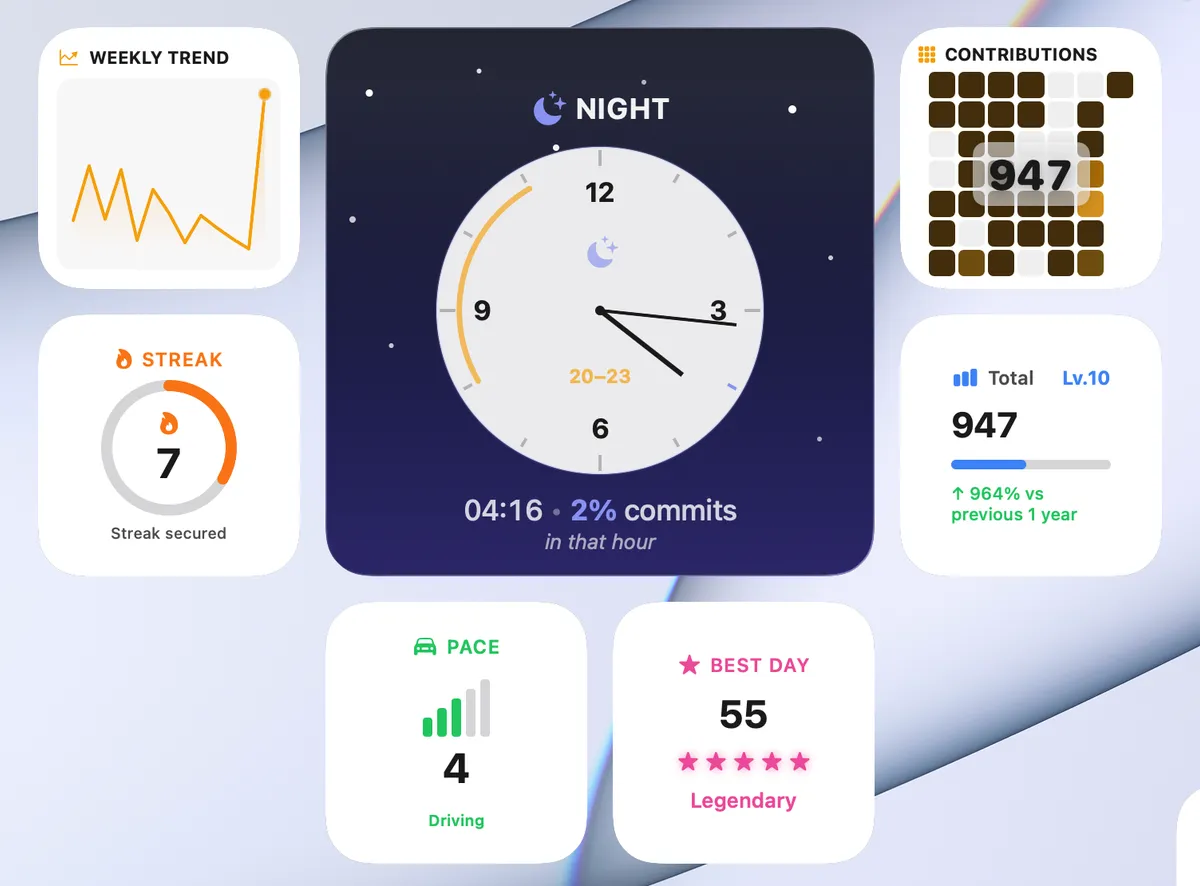
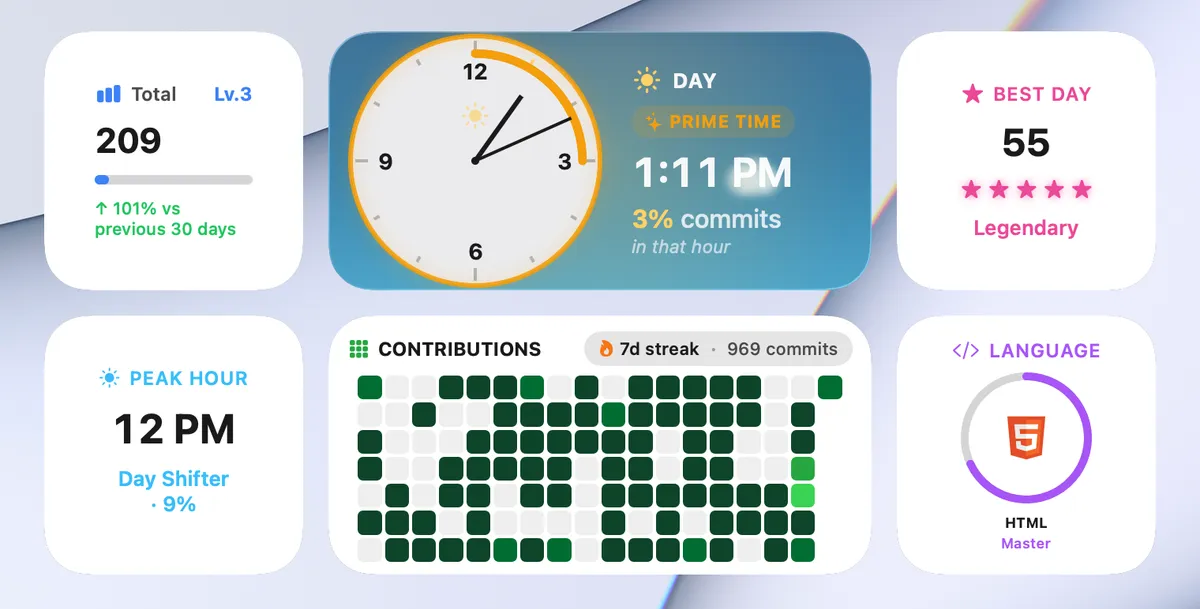
sixteen widgets, three families
Sixteen widgets. Pin the ones that match how you work.
Your streak, your pace, your peak coding hour, your top language — as native widgets, always visible, no need to open the app.
Metrics widgets
Contribution Grid
The classic contribution heatmap, ported straight to your desktop.
Weekly Trend
A 90-day line/area chart of your commit activity — no numbers or dots, just the shape of your work.
Activity Breakdown
A four-axis radar across commits, PRs, issues, and reviews.
Heatclock
A 24-wedge ring showing exactly which hours you code hardest.
Punch Card
The full 7×24 grid of when you actually commit, hour by hour.
Insights widgets
Streak secured
Current Streak
A ring gauge for today's streak — flame if it's alive, snowflake if it's cooling.

Developer Rank
The same gemstone rank badge as the app, live on your desktop.
New Record!
Today's Pace
A 5-bar meter tracking today's commit pace against your own record.
Platinum
Longest Streak
A Bronze-to-Diamond ring for the best streak you've ever recorded.
↑ 24% vs previous 90 Days
Total
An XP bar and level number for total contributions in your selected range.
Top Language
A Novice-to-Grandmaster ring ranked by your top language's share of commits.
Legendary
Best Day
A 5-star rating for your single best day's contribution count.
Most Shipped Day
Your most active weekday, and how dominant it really is.
70/90 days active
Consistency
A donut ring showing the percentage of days you've shown up.
Mar 2 – Mar 6
Longest Break
The longest stretch you've gone without a single contribution.
Night Owl · 19%
Peak Hour
The hour of day you ship the most code, in one glance.
Clock widget
One price. Everything included.
$2.99 once. Every widget, every tab, every metric on this page — yours forever, no subscription.

$2.99
One time. Everything included.
Requires macOS 14.0 Sonoma or later (or iOS/iPadOS 17.0 or later on iPhone and iPad) · a GitHub account · your own personal access token (nothing leaves your device).
questions, answered
Frequently asked questions.
The short version of everything above. Anything about your data specifically belongs on the Privacy Policy.
A native macOS app that turns your GitHub contribution activity, repositories, and coding stats into desktop widgets and an in-app dashboard — no browser tab open to GitHub required.
$2.99, paid once, upfront. No subscription, no in-app purchases, no locked or Pro-only features — everything you see on this page is included from the first launch.
Yes — new widgets and card themes are already in progress. Some will ship as free updates for everyone; others may be sold separately as optional extras. Everything you see on this page today is included in your $2.99, forever.
macOS, iPhone, and iPad. It's a Universal Purchase — one purchase unlocks the app everywhere under the same App Store account.
No. Sign-in goes through GitHub's own OAuth page, in Apple's sandboxed in-app browser — shipped. never sees or stores your password, only the access token GitHub issues after you approve it.
So your contribution graph, streaks, and stats reflect your real activity, including private work, not just what's publicly visible on your GitHub profile. You can still connect without granting it — you just won't see private-repo activity in your stats.
On your device only. Your access token lives in the system Keychain; your cached contribution, repo, and avatar data lives in a local container shared with your widgets. There's no shipped.-run server or database holding your GitHub data.
Every 15 minutes in the background, plus every 3 minutes while the app is open in the foreground. Opening the app forces an immediate refresh.